
To start
No subscription
One menu with dishes, prices, sections, the 14 EU allergens, sold-out marks and a printable code. It carries a "Menu made with Menú QR" line and the app shows ads.
App for restaurants, bars and cafés
Type your dishes on your phone, put a QR code on the table, and guests read the menu on theirs. When a price goes up or the kitchen runs out, change it in seconds. The printed code stays the same.
Build my menu on Google Play4.7 out of 5 on Google Play in the US, 727 ratings overall (checked Nov 4, 2026). 10K+ downloads according to Google Play. Android app.
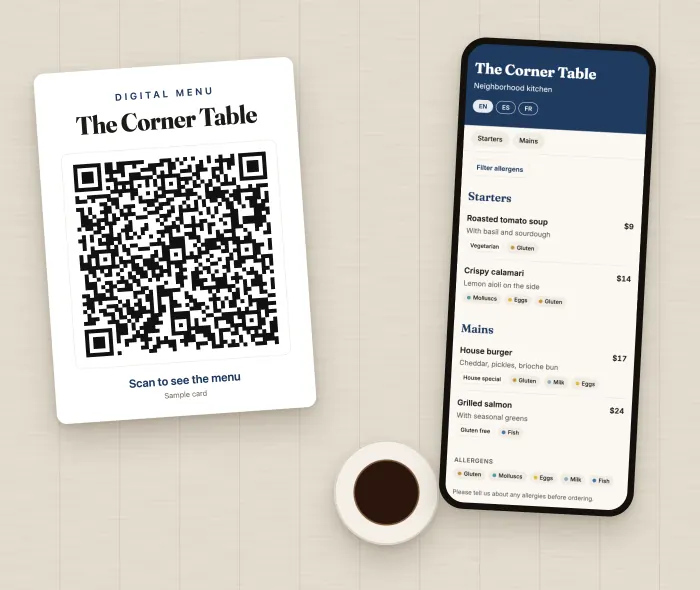
Nothing to download and no waiting for a server to bring menus over. They point the camera and start reading.
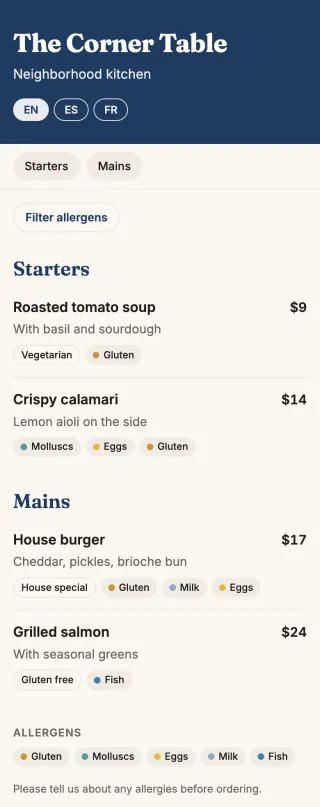
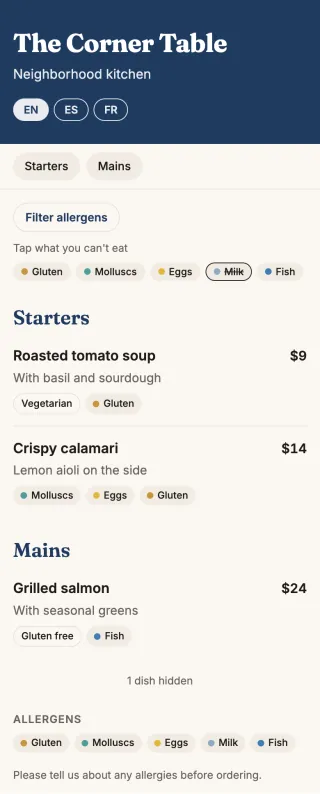
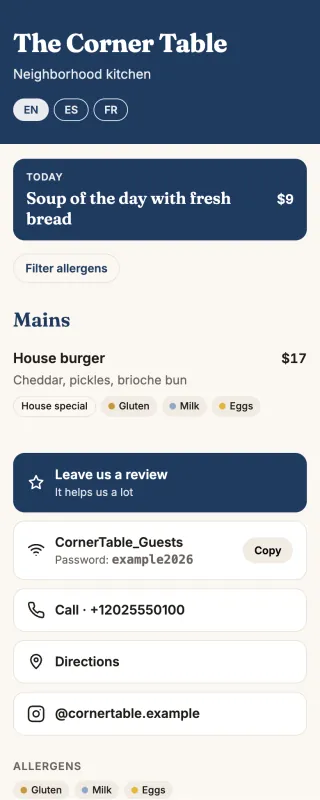
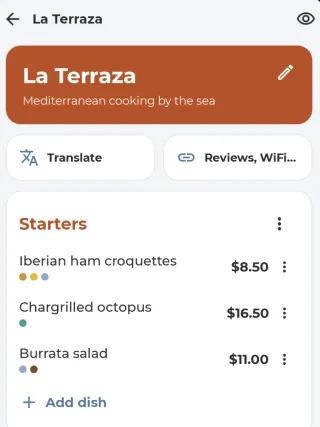
You can have a real menu on the table by your next service, even if it only has your best sellers for now.
The expensive part of a printed menu isn't the first run. It's every time something changes after that. Here, you change it yourself between tables.
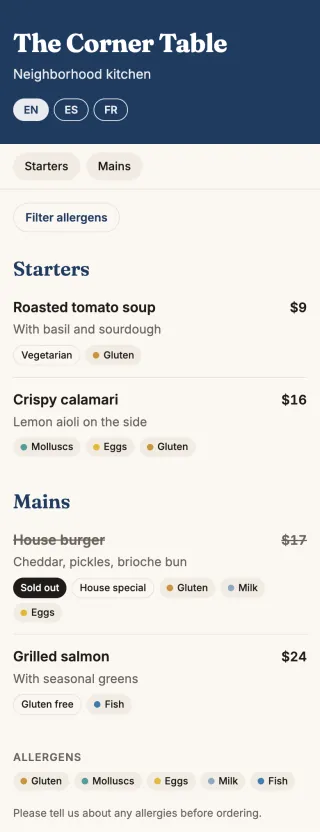
Change the price and it's on every table. No stickers, no crossed-out numbers, no awkward conversation when the check arrives.
Mark the dish as sold out. Nobody orders it, your server doesn't have to walk back to the table with bad news, and tomorrow you turn it back on.
Number of menus × cost per menu × changes per year. For example, 30 menus at $3 is $90 every time something changes. Those numbers are just an example: use your own.
No subscription
One menu with dishes, prices, sections, the 14 EU allergens, sold-out marks and a printable code. It carries a "Menu made with Menú QR" line and the app shows ads.
Your brand
No line of ours, and your logo. Review, WiFi and Instagram buttons on the menu.
Everything
Dish photos, translation, allergen filter, daily special, WhatsApp, your color and web address, visit counts and a second menu. No ads.
You see each plan's price in the app, in your currency, before paying.
Still deciding between this and a PDF? Here's how a QR menu compares to a PDF menu.
No. They point their camera at the code on the table and the menu opens in their browser.
No. The code points to your menu, and whatever you change in the app shows up right away.
No. You can have one menu with dishes, prices, allergens and a code without a subscription, with a "Menu made with Menú QR" line. Without a subscription, from the day after you create it, dish changes have a daily cap; the Carta and PRO plans have none.
Yes. You pick your currency, including US dollars, euros and pounds.
Yes. Take a photo so the app can read the dishes, or turn the PDF or photo straight into a QR code, which is paid per code or unlimited with PRO.
Managing the menu takes an Android phone. Guests can read it on any phone.
A few dishes today. On the table tomorrow.
Build my menu on Google Play